Group Agents
Configure WhatsApp group agents, skills, and outputs.
Group Agents are WhatsApp group-based agents that listen to group conversations, run skills, and surface structured outputs in the platform.
Status
| Feature | Status |
|---|---|
| Group Agents (core) | Live |
| Feeds | Live |
| Radar | In development |
| Insights | Live |
The problem Group Agents solve
Most security businesses run their operations through WhatsApp groups. Control rooms have screens showing dozens of group chats. Human controllers sit and scroll, clicking through unread messages, trying not to miss anything important. It is exhausting, error-prone, and does not scale.
Group Agents automate this. You add a silent listener to a WhatsApp group, tell it what to look for, and it extracts structured data automatically. The agent treats the chat like a conveyor belt—every message passes by, and when one matches a skill you have defined, it gets recorded.
How group agents work
- Group agents are configured in the platform.
- Skills define what the agent should extract or produce from messages.
- Outputs are stored in the platform and displayed in the Group Agents tabs.
Group agents are non-intrusive. The agent does not participate in the group—it only listens and records. There are no outbound messages from the agent in the group chat.
Activation and disclosure
Add the agent number to the group
The group agent is a UK-based WhatsApp number. Add it to the group as a participant.
Post a disclosure message
We recommend posting a message to the group explaining that an agent is listening for operational purposes. Community Wolf can provide a template.
Post the activation phrase
Send the seed phrase in the group to activate the agent. Once activated, the agent begins listening immediately.
Skills
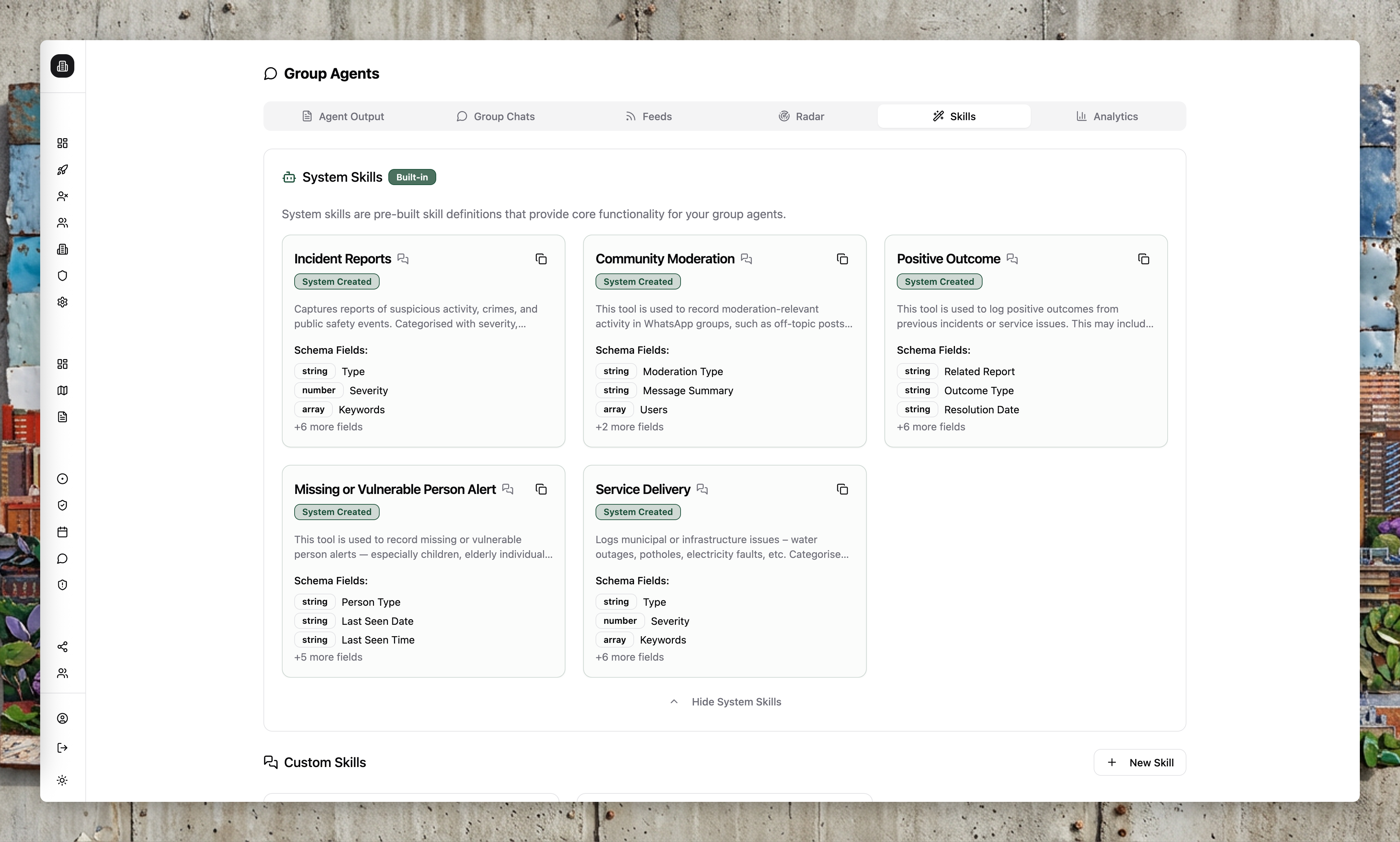
Skills are structured instructions that tell the agent what to extract from conversations. Think of them as tasks you give to a silent observer.
| Skill example | What it extracts |
|---|---|
| Incident reports | Type, severity, location, description, media |
| Staff check-ins | Who checked in, when, at which site |
| Drone monitoring | Take-off/landing events, pilot, timestamps |
| Shift updates | End-of-shift notes, handover information |
Skill schemas support:
- String, number, and boolean fields
- Enum fields with fixed values
- Array fields
- Nested object fields
Each skill also includes a prompt and a conversational toggle so the agent can operate in structured or chat-like modes.
System skills are maintained by Community Wolf and appear with a System label. User skills are custom to your organisation.
What gets captured
The agent records:
- Text messages: Stored in MongoDB
- Voice messages: Transcribed to text, then stored
- Images: Stored in AWS with signed URLs
- Videos: Stored but not currently interpreted
See Security and data handling for details on how data is stored and protected.
Output
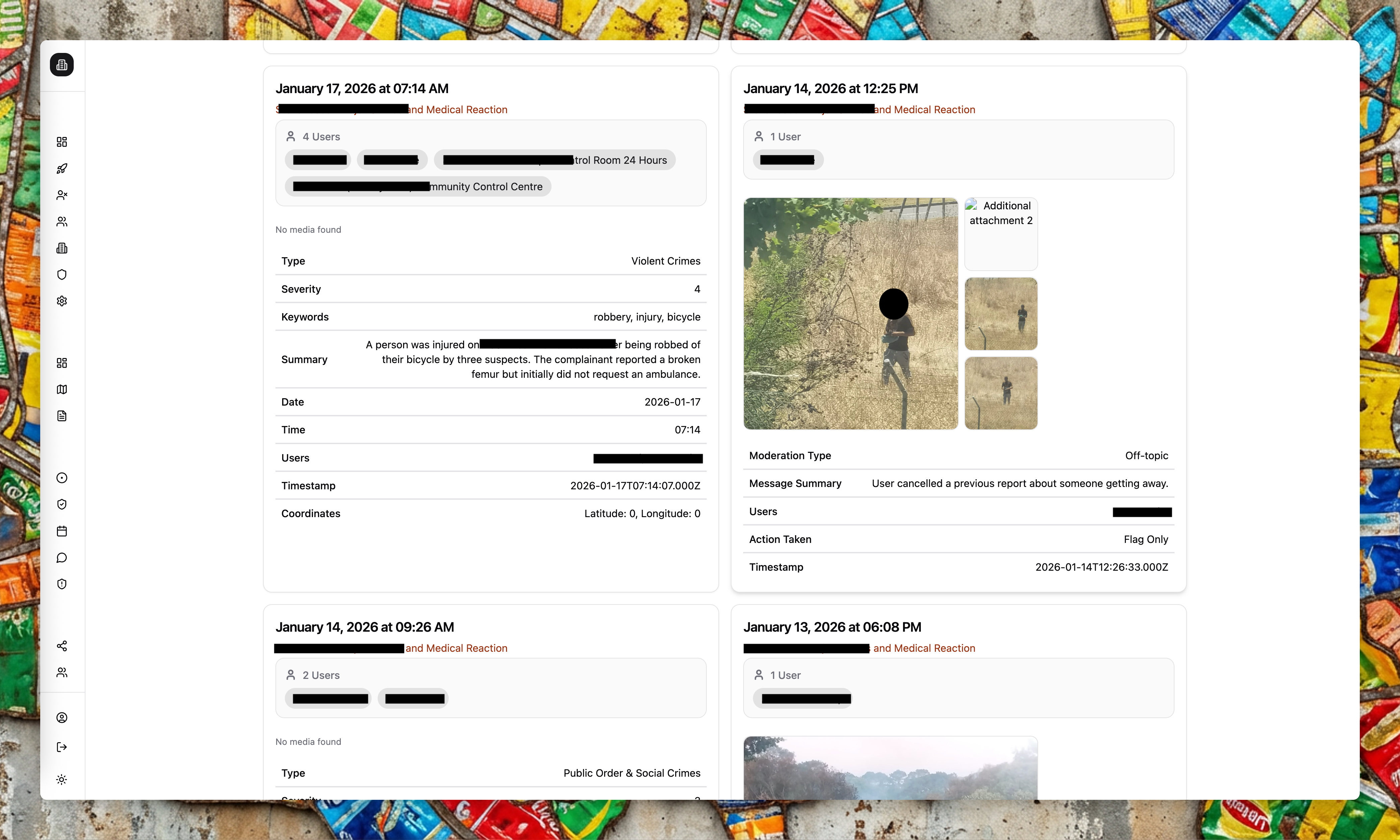
The Output tab shows skill reports generated from group messages. You can filter by skill, group, or time range, then export the data for reporting.
Feeds
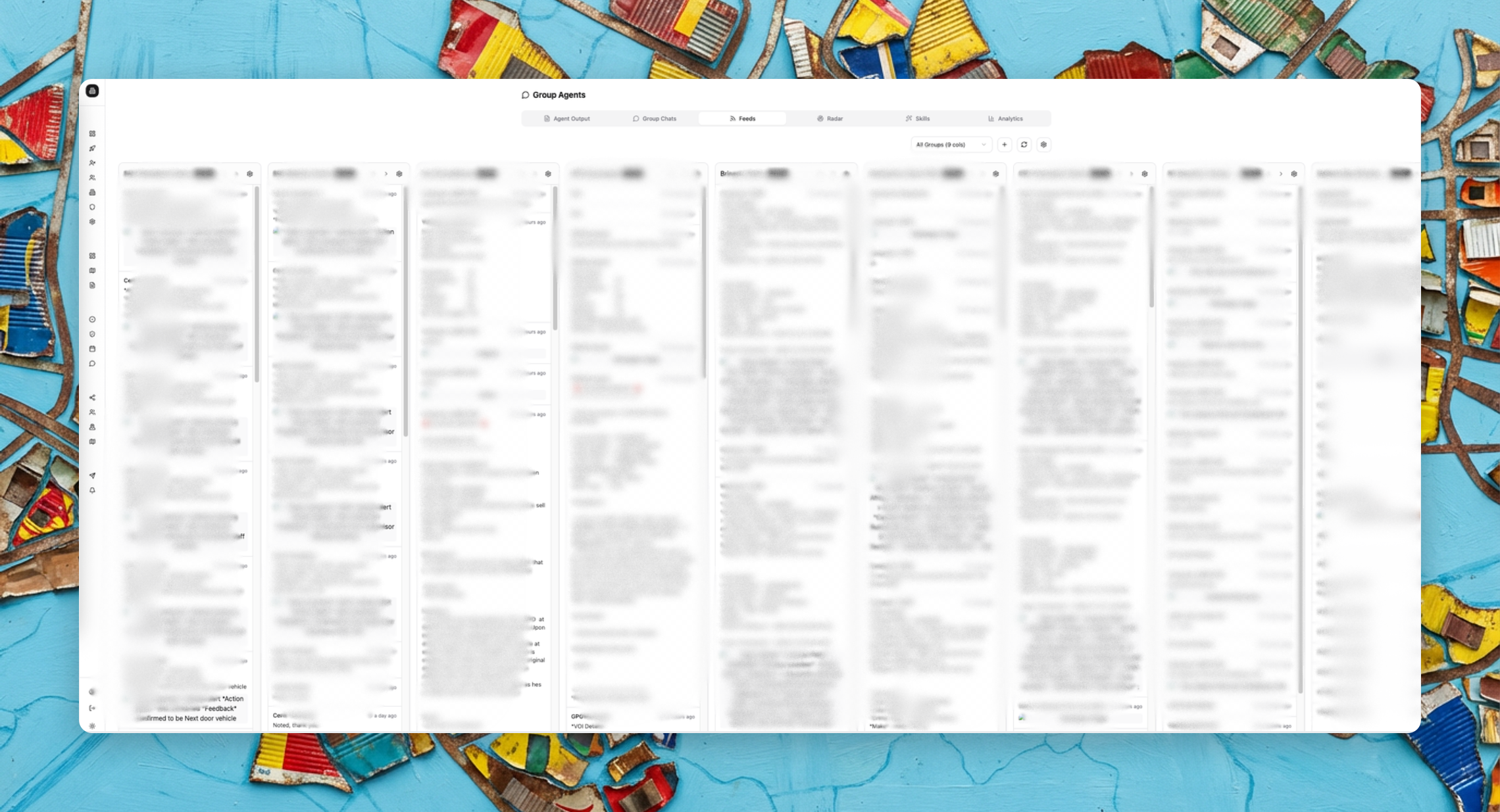
Feeds let you build columns that track messages by group or skill, similar to a social media dashboard. Instead of switching between WhatsApp groups, you can monitor multiple feeds side by side in the platform.
This is useful for control rooms that need to watch many groups at once without missing critical messages.
Radar
Status: In development
Radar will let you track keywords, sentiment, and trends across your group conversations over time. For example, if a particular suspect description keeps appearing, you can track how often it occurs and where.
Insights
Status: Live
Insights are scheduled summaries of group activity. At the end of a day or week, the system generates a summary of what happened across your groups—key events, themes, action items. See Insights for details.
Analytics
The Analytics tab provides a drag-and-drop dashboard to visualise group agent metrics.
Group statuses
- Pending activation: Waiting for the seed phrase to be posted.
- Active: Connected and processing messages.
- Paused: Temporarily disabled.
Reliability and operational suitability
Group agents depend on WhatsApp connectivity and our processing pipeline. While we aim for high uptime, there may be periods where messages are missed due to platform constraints outside our control.
For use cases where missing a message would have serious consequences (for example, gender-based violence monitoring), please discuss operational suitability with the Community Wolf team before deployment.
Alerts and exports
Use Alert Flows to notify teams when group agent outputs match specific conditions (for example, send a WhatsApp when an incident of a certain severity is detected). Use Export Flows to schedule regular output reports.