Quick Tour
A fast walkthrough of the key areas of the Community Wolf platform.
This tour gives you a quick map of where to find the most important tools in the platform.
Start at the Dashboard
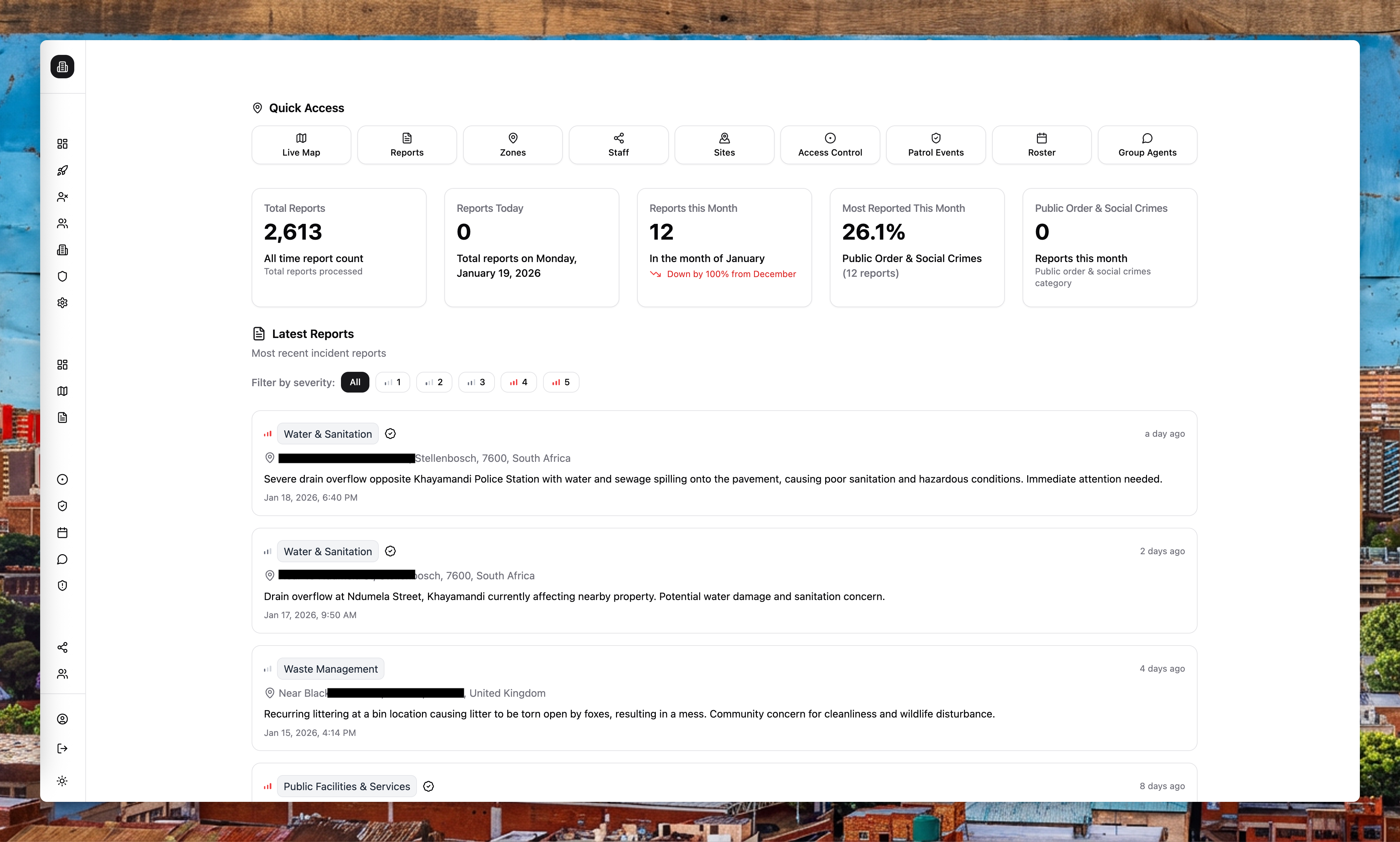
The Dashboard gives you a summary of reports, trends, and recent activity. It also surfaces shortcuts to Live Map, Reports, and business tools.
Explore the Live Map
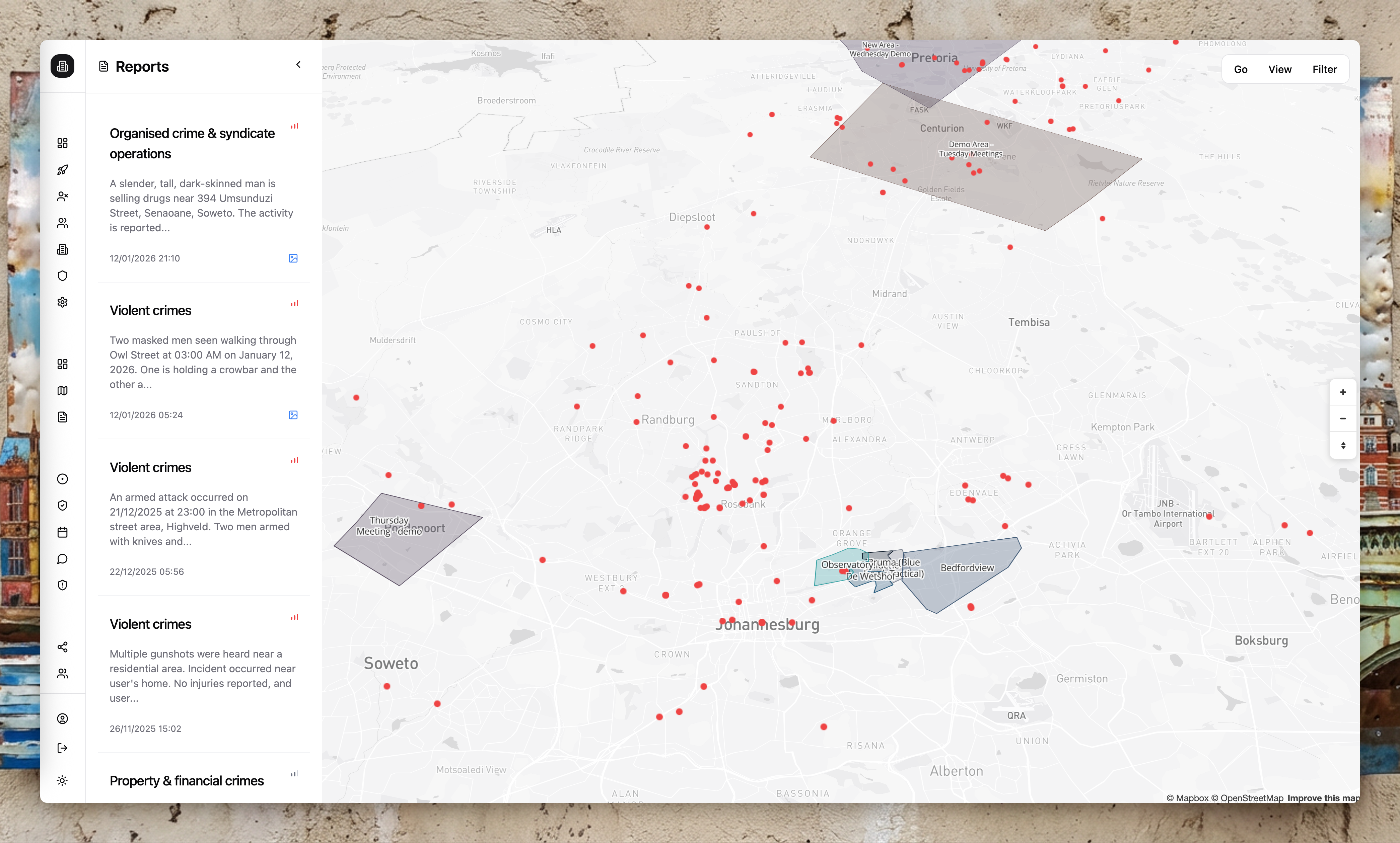
Live Map shows incidents and areas in real time. Use it to visualise reports, review report details, and understand what is happening across your sites. Enterprise users see richer context than the public—full conversation history, media, and timestamps.
Review Reports
The Reports section is where you filter, verify, and analyse incidents. Use saved filters to return to common views quickly. Reports are scoped to your areas, so you only see what is relevant to your operation.
Configure your organisation
Create sites and areas first, then add staff and assign skills. This ensures reports, patrols, and access control data are scoped correctly.
Areas are catchments. When you draw an area on the map, you are defining the geographic boundary that filters reports, scopes patrols, and determines what data your organisation sees.
Business tools and integrations
Business tools like Access Control, Patrol Management, Group Agents, and Safety Survey appear when enabled. Use Integrations to automate exports and alerts.
| Tool | What it does |
|---|---|
| Access Control | Scan licence discs and person IDs at gates, check against national databases, alert on flags |
| Patrol Management | Define routes, schedules, and assignments; verify guard location via WhatsApp |
| Group Agents | Listen to WhatsApp groups and extract structured data automatically |
| Roster Management | Plan shifts and coverage (in development) |
| Safety Survey | Capture community safety perceptions |
The WhatsApp-first approach
Most business tools are operated through WhatsApp. Field staff receive messages, tap buttons, and share locations—all inside WhatsApp. No new apps to install, no new devices to buy. The hardware you need is already on site: a phone with WhatsApp.